
Name-Based McDuffie Case Searches
Start at the Georgia Courts E-Access directory for Superior civil and criminal searches. Pick McDuffie Superior Court. Follow the PeachCourt link. You will need a free account, so create one or sign in. From there, choose Case Search. Set the county to McDuffie, set the court to Superior, and type the party name. Match the rows carefully. PeachCourt posts no wildcard or minimum-character rules before login. So begin with the exact spelling and adjust from what returns.
| Field | Type | Use |
|---|---|---|
| County | Dropdown | McDuffie County |
| Court | Dropdown | Superior Court |
| Party name | Text | When no number is known |
| Case number | Text | Exact court identifier |
McDuffie PeachCourt Account Gate
The PeachCourt search page is the nearest public route into McDuffie Superior Court records. It is not a no-login statewide tool. A free account does not unlock every document image for free, either. Think of the docket as an index. For a filed or certified copy of any paper, ask the clerk directly.

The account gate is why a clerk fallback remains important.
McDuffie Case Number Searches
The local civil calendar shows numbers in the style of 23CV0193. That is an observed pattern, not a county-wide numbering rule. Type the number exactly as it appears on the court paper. A Thomson citation belongs with that court. A Magistrate filing reference does too. Neither fits the Superior search.
Lower McDuffie Court Fallbacks
Magistrate records are easiest to get by phone or in person. Call 706-597-2618 or visit Room 1401 at 210 Railroad Street. Probate inquiries go to 706-595-2114, Thomson Municipal to 706-597-7385, and Juvenile access is restricted. The county administrative form does not replace any of these court clerks. The nCourt page shows the Magistrate filing route. It starts a claim. It is not a public docket search.
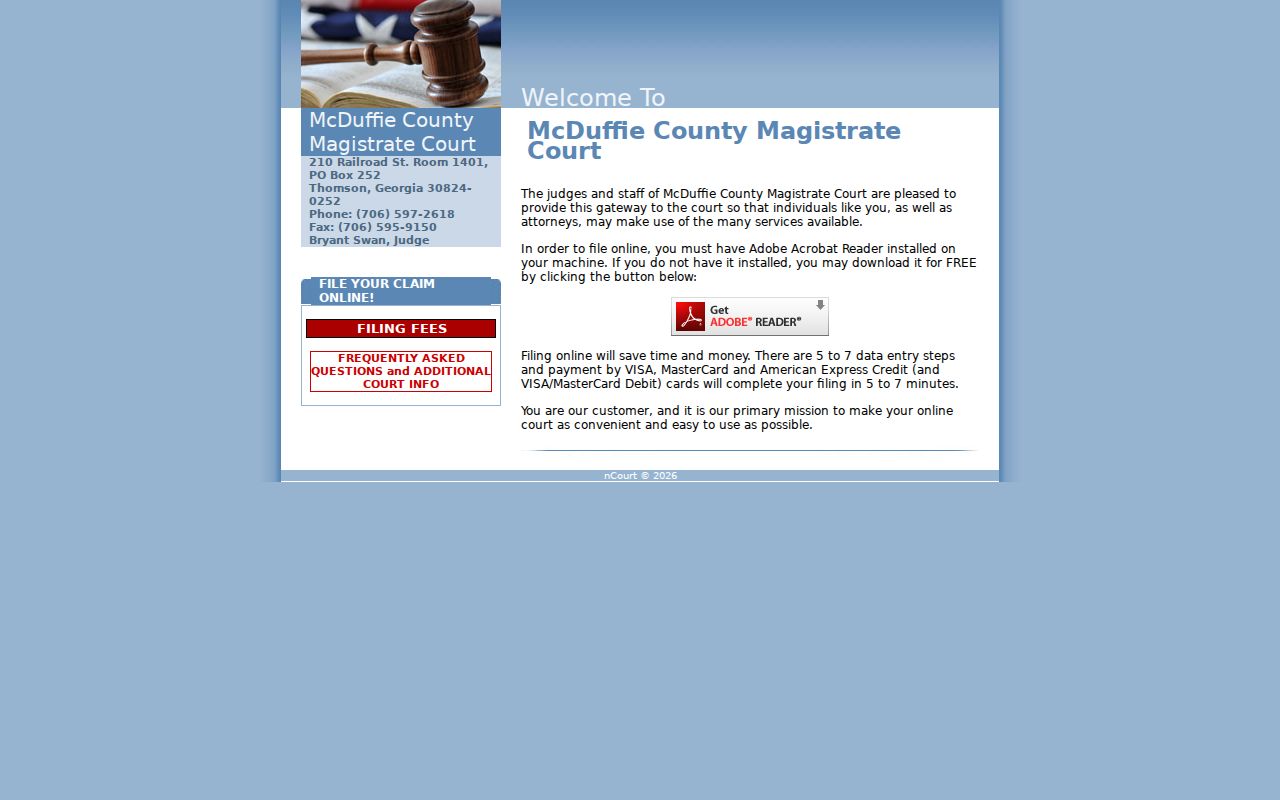
This filing tool should not be mistaken for an existing-case database.
McDuffie Search Results Explained
A case view can list the judge, status, parties, attorneys, charges or cause, disposition, calendar events, docket proceedings, and documents. What appears varies by case. A calendar row is not the whole docket, and a docket row is never a certified document.
| Identity | Court, number, caption, and category |
|---|---|
| Proceedings | Events, hearings, orders, and settings |
| Outcome | Status or disposition where public |
| Documents | Listed papers that may be gated |
McDuffie Clerk After Empty Results
Double-check the county and court before giving up. Retry the case number. Then retry the party name. Older, sealed, juvenile, and paper-only files may never show online. Superior questions go to 706-595-2134, civil to 706-595-2139, and criminal to 706-595-2138. An empty row on the screen does not prove that no file exists in the clerk's custody.
County and State Search Paths
Georgia has no single public docket search covering every McDuffie court. E-Access is only a directory that routes Superior matters to PeachCourt. Lower courts keep their own clerk channels, and federal cases run through PACER and CM/ECF for the Southern District of Georgia, Augusta Division.
| Route | Best use |
|---|---|
| E-Access | Find a participating court system |
| PeachCourt | McDuffie Superior cases |
| Local clerk | Missing, older, or copy questions |
| PACER | Federal cases |
Federal Cases Affecting McDuffie
Use the PACER gateway when the caption names the United States District Court.
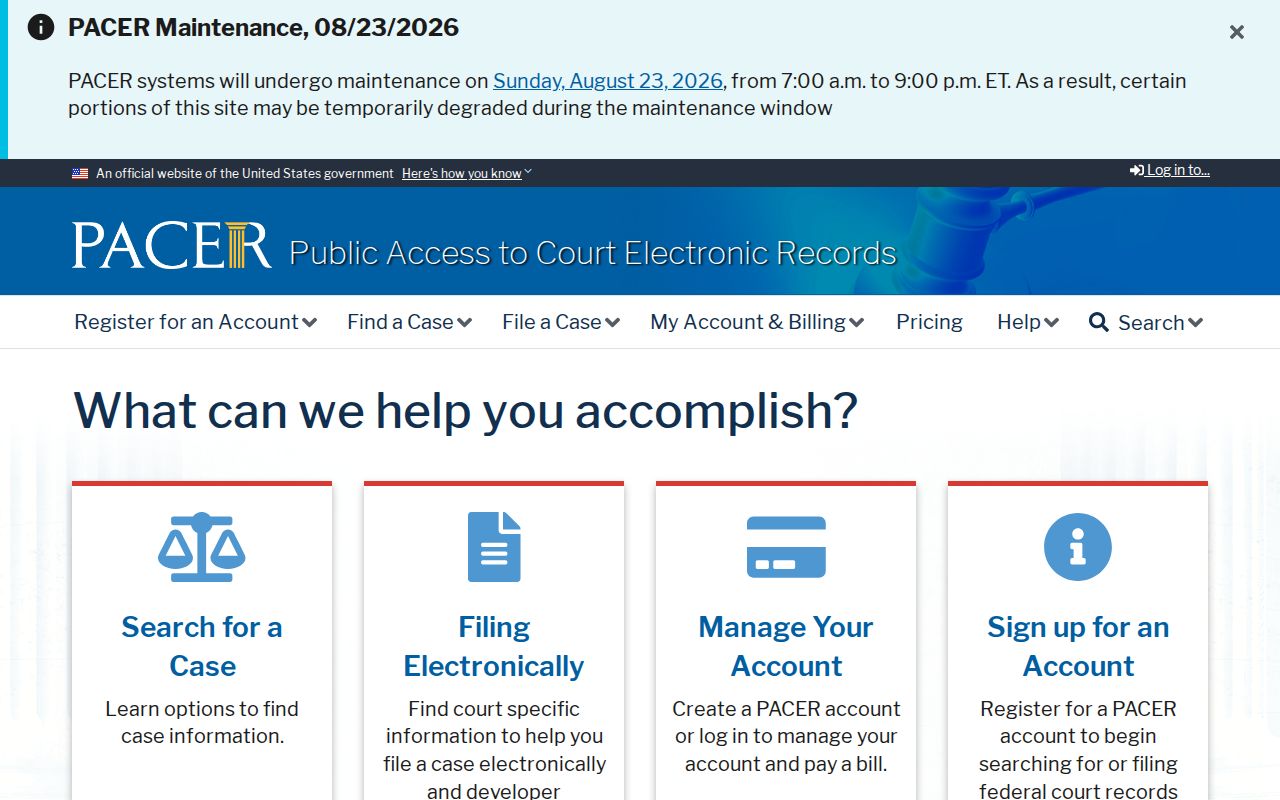
PACER is the official federal route, and the Southern District CM ECF page supplies the district's own guidance for McDuffie-area federal filings.
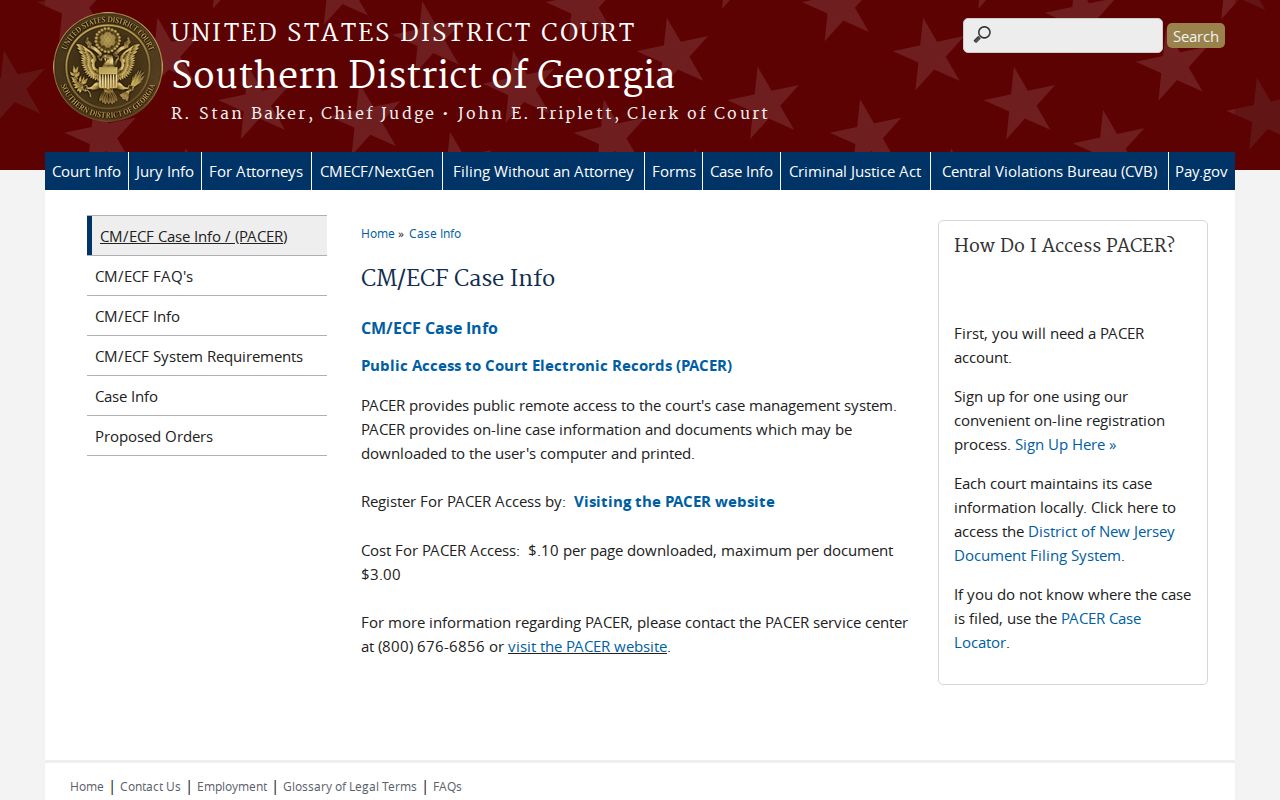
It is separate from PeachCourt.
McDuffie Federal Coverage Checks
CourtListener can locate some public federal material but is not official.
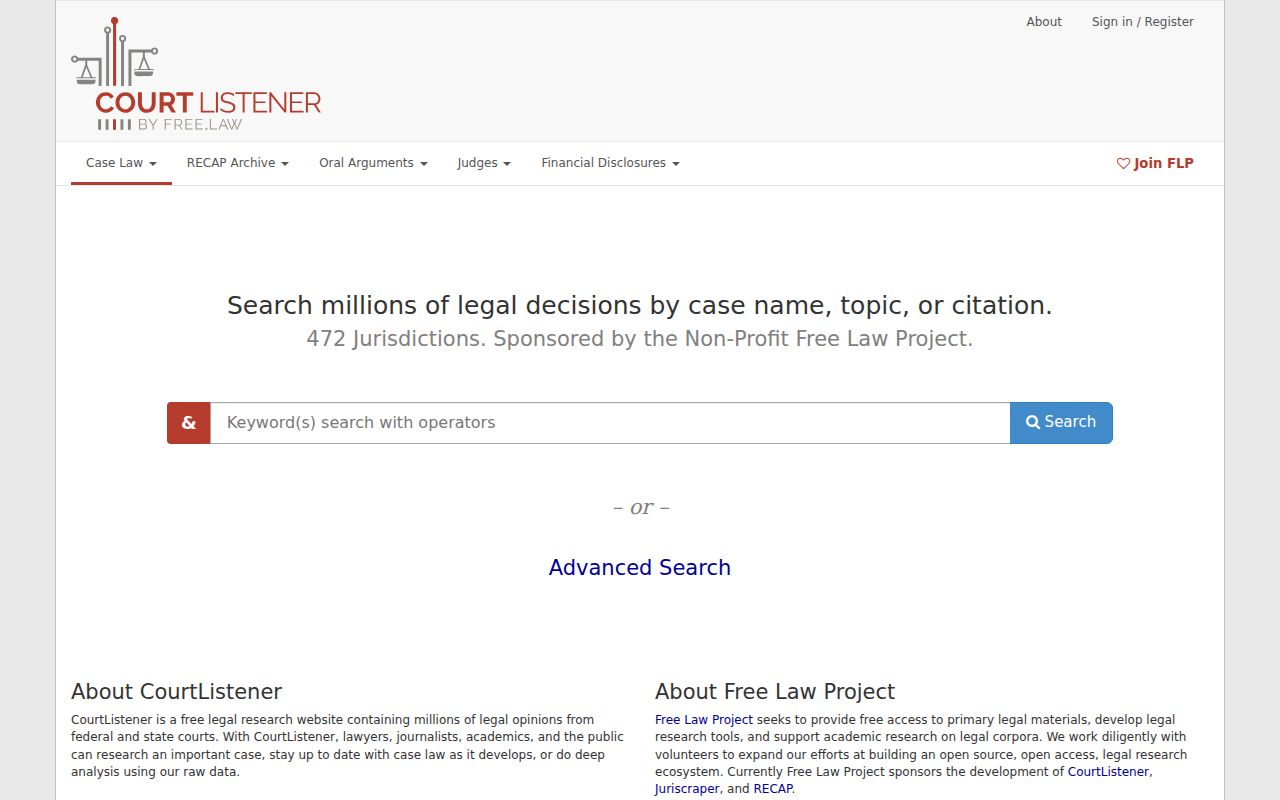
Verify any result in PACER.
Federal law places McDuffie in the Augusta Division.
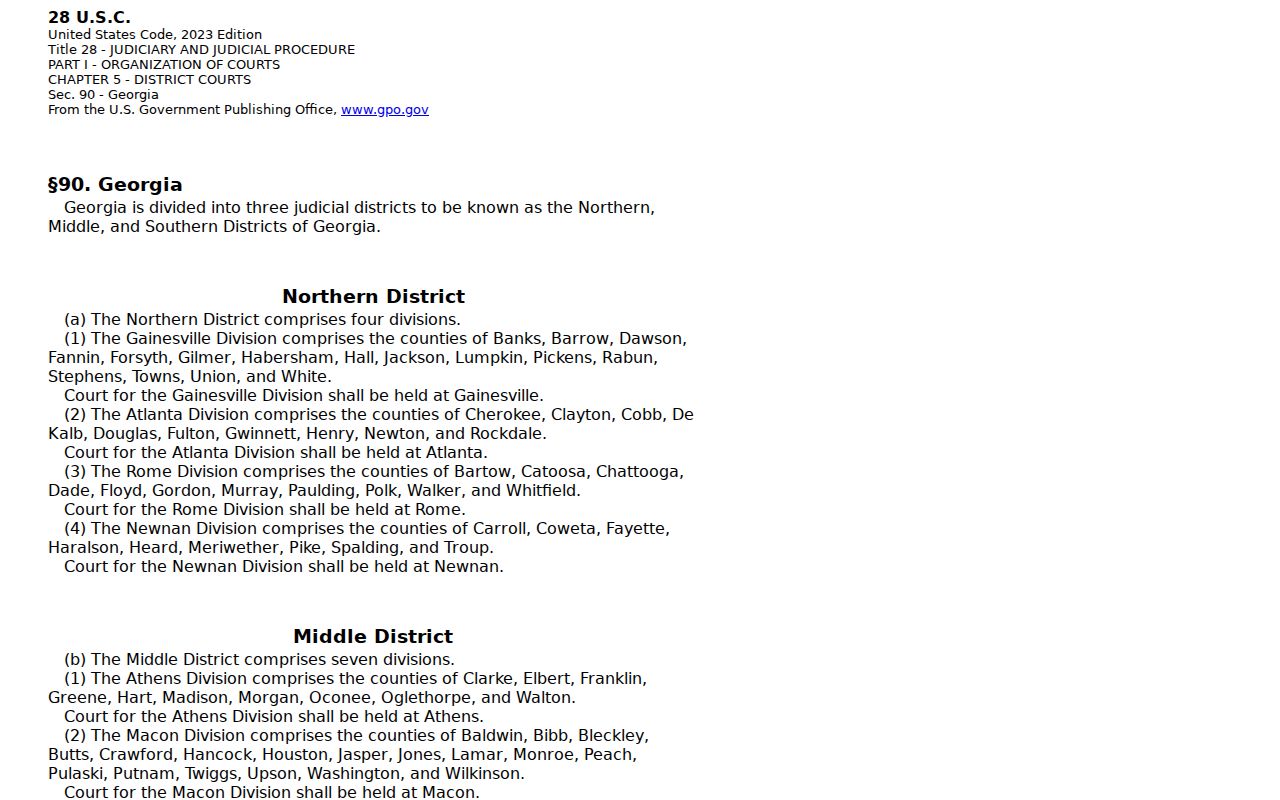
The division rule routes federal, not state, searches.
Which McDuffie Cases Stay Restricted
Uniform Superior Court Rule 21 allows lawful restrictions. It also requires redaction of protected identifiers. The clerk keeps juvenile, adoption, and sealed files away from broad inspection. Missing public data may reflect those limits rather than an error. Ask the clerk about the proper access process instead of trying to bypass a restriction.
Name-Based Case Searches
Search the party's filed name in the correct McDuffie County court. PeachCourt confirms name search for Superior Court. But it discloses no wildcard, date-range, or minimum-character rules before login. Start with the full spelling. Then compare the caption, court, year, and case number on each row. A business may be indexed under its registered name. People can appear as plaintiff, defendant, petitioner, respondent, or accused person. If no row appears, run the exact number when known. Then contact the proper lower court for Municipal, Probate, Magistrate, or Juvenile matters.
Case Number Searches
McDuffie's civil calendar supports the observed 23CV0193 example, but the court publishes no universal legend. Copy every digit and letter from the court paper. When a leading zero, an old style, or an unknown prefix gets rejected, ask the clerk how the file is indexed, since a transferred or appealed matter can receive a new number. The number is only a locator. Read the event history and filed orders before drawing a conclusion.
Case Search Results Explained
A result can show the judge, status, parties, attorneys, charges or cause, disposition, calendar events, proceedings, and a document list. Availability varies. The docket is a timeline. It may say an order exists without showing the image. File into this case is an e-filing control, not a search step. Read status alongside the event history. Closed does not explain the ruling, and a setting does not prove a hearing occurred. Request the filed judgment or order when the exact terms matter.
Two Ways to Search: County and State
Georgia E-Access is a statewide directory, not one database. It routes McDuffie Superior matters to PeachCourt. Lower courts keep separate channels. Use the directory to find a system, PeachCourt for a known Superior case, the local clerk for older or missing material, and PACER for federal cases. Remember that an empty PeachCourt search says nothing about Thomson Municipal, Probate, Magistrate, or Juvenile records.
Which Cases Stay Restricted
McDuffie's clerk excludes juvenile, adoption, and sealed records from broad inspection. Rule 21 governs public access, restriction, and redaction. Judicial-security rules can also shield personal information. A document may be absent even though the clerk holds a protected file. Ask which lawful request applies. Juvenile access follows O.C.G.A. sections 15-11-704 and 15-11-705. The Open Records Act does not bypass court procedure.
McDuffie Docket and Document Layers
The docket view moves fast. You get the case number, the next hearing, and a running list of filings in one place. But the docket is not the clerk's file. Behind it sit the complaint or petition, the answer, motions, service papers, orders, and the judgment itself. PeachCourt sometimes names a document yet keeps its image out of reach. So use the docket to pin down the exact paper you need. Then ask Gina Timmerman's office whether you can view it, get a plain copy, or have it certified.
Certification is what you want when authenticity counts. McDuffie's eCertification workflow sends the order through the clerk. It takes final payment authorization and returns a secure PDF by emailed authentication link. A saved calendar row or a downloaded index is not the same thing. Only the clerk-authenticated record carries that weight.
Older McDuffie Case Search Gaps
McDuffie County publishes no digitization start date. It posts no refresh schedule, no public terminal location, and no promise of image coverage for every case. That gap has a practical effect. Older paper cases may still need a counter visit. A mailed request may work too, even when newer matters sit online. When you contact the clerk, give a party name, a likely year, the court, and the case type. A precise request keeps the search out of the wrong record series.
For Superior Court records, call 706-595-2134 or write P.O. Box 158, Thomson, GA 30824. The office publishes a fax line, 706-595-9150. The clerk does not promise to accept copy requests that way. Ask before you rely on it. The court offers no public email for copies. It states no fixed response time, so plan for a wait rather than same-day service.