
McDuffie County Court Record Requests
Gina Timmerman's Clerk of Superior Court office handles the files for Superior civil, Superior criminal, and Juvenile court. PeachCourt is a good first stop. Its public docket can surface the case number, court, and document before you commit to a copy request. To inspect a file or get paper copies, call 706-595-2134 or come to 210 Railroad Street, Room 1401, in Thomson. Civil questions go to 706-595-2139, and criminal questions to 706-595-2138. Mail works too: P.O. Box 158, Thomson, GA 30824. The office lists fax 706-595-9150, but call first before faxing anything sensitive or deadline-driven.
Each court keeps its own records. The Magistrate clerk takes requests at 706-597-2618. Probate records sit with the Probate Court, 706-595-2114. Thomson Municipal Court holds the city-ordinance and misdemeanor-traffic files. The county Open Records Officer cannot substitute for any of these clerks. A strong request names the court, case number, party names, document title, rough filing date, desired format, and whether you need certification.
- Find the case number and responsible court.
- Identify the exact filing or date range needed.
- Ask whether inspection, a plain copy, or certification is appropriate.
- Confirm availability, current cost, and delivery time with the clerk.
- Use the counter, mail, PeachCourt, or eCertification route the clerk directs.
Gina Timmerman's Records Office
The Clerk of Superior Court receives and files records. It also stores and retrieves McDuffie County Superior civil and criminal records. The office carries Juvenile and Magistrate clerk functions as well. Each court's access rules still apply. Beyond case files, it runs the court registry, calendars, subpoenas, juror summons, and notices. The docket, the calendar, and the underlying file are related. Still, each moves through a separate clerk workflow.
Records are open for inspection and copying, with exceptions. Juvenile court records, adoption records, and anything sealed by court order stay closed. One warning deserves repeating. The clerk never calls people about missed appearances or demands payment over the phone. An unsolicited payment demand is not a records channel. Hang up. Call the published clerk number. Report suspected scams to the Sheriff's Office at 706-595-2040.
Clerk of Superior Court
Counter: 210 Railroad Street, Room 1401,
Thomson, Georgia
Mail: P.O. Box 158,
Thomson, GA 30824
Main line:
706-595-2134
Fax: 706-595-9150
Kinds of Court Records
A docket or index view is the fastest route. It shows the case number, judge, status, and next setting. It is not the whole file. A filed document is an accepted paper, such as a complaint, petition, answer, motion, order, judgment, calendar, or return of service. A plain copy just reproduces that paper. A certified copy adds the clerk's authentication, which is what you want when an official copy is required.
Local forms point to more file types. Superior civil records can include disposition reports, domestic forms, petitions for review, and calendar material. Magistrate files may hold statements of claim, answers, counterclaims, dispossessory affidavits, trover complaints, and warrant applications. A calendar PDF lists settings but leaves out many filed images. Real-estate and UCC records run through the clerk too. They use a separate recording function. They are not part of a court case docket.
| Product | What it supplies | Best route |
|---|---|---|
| Docket view | Case identity and event history | PeachCourt or clerk |
| Filed document | The paper behind an entry | Clerk or available image |
| Plain copy | Uncertified reproduction | Clerk counter or mail |
| Certified copy | Authenticated record | Clerk or eCertification |
McDuffie eCertification From Request to PDF
McDuffie takes part in the GSCCCA eCertification system for Superior and Magistrate records. The steps are straightforward. Create an account if needed. Choose Submit a New Request. Pick McDuffie County. Select the document type and court, then fill in the search fields. The clerk processes the order after that. Once the status reads “Awaiting Payment Final Authorization,” you authorize payment. A final email delivers an authentication link for the secured, self-validating PDF. The GSCCCA eCertification home is the official page. It serves both the transaction and the authentication check.
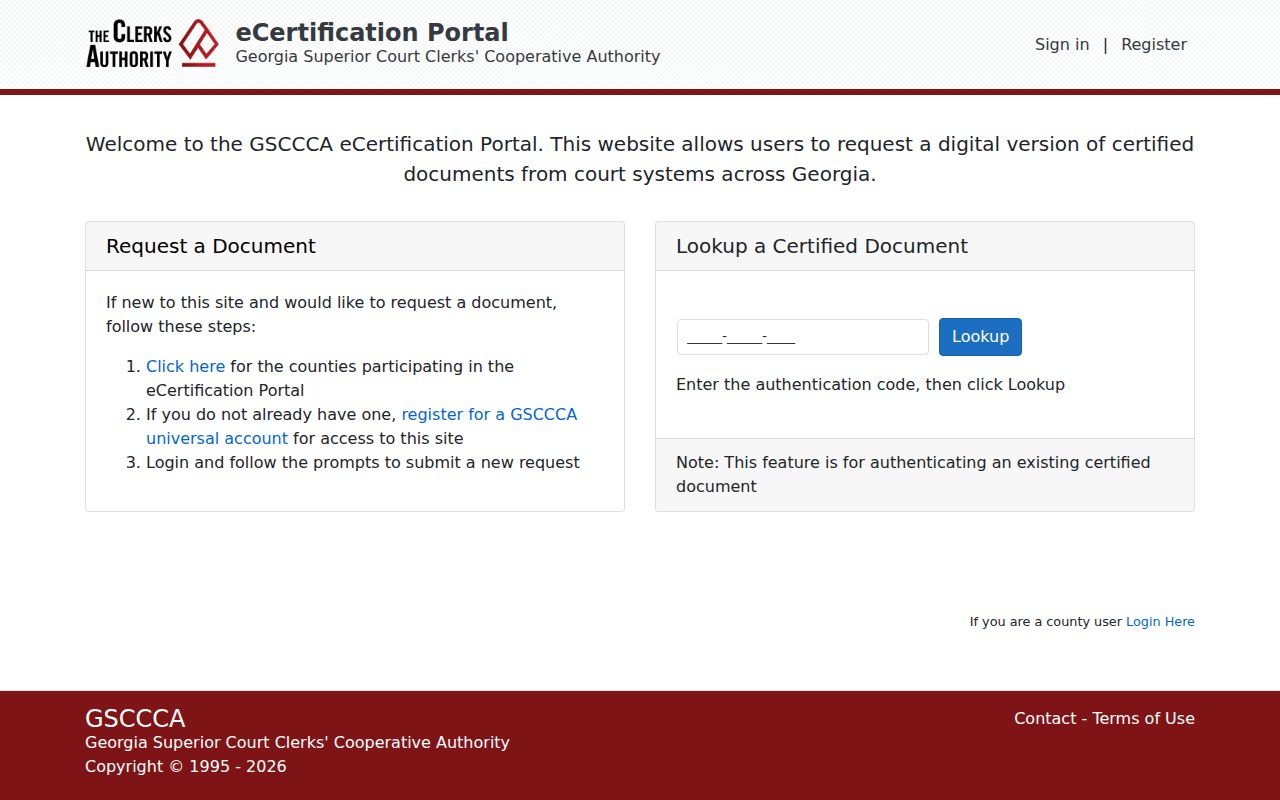
An authentication-code lookup is what separates a verified electronic copy from an ordinary downloaded docket page. The available counties list shows McDuffie Superior and Magistrate participation.
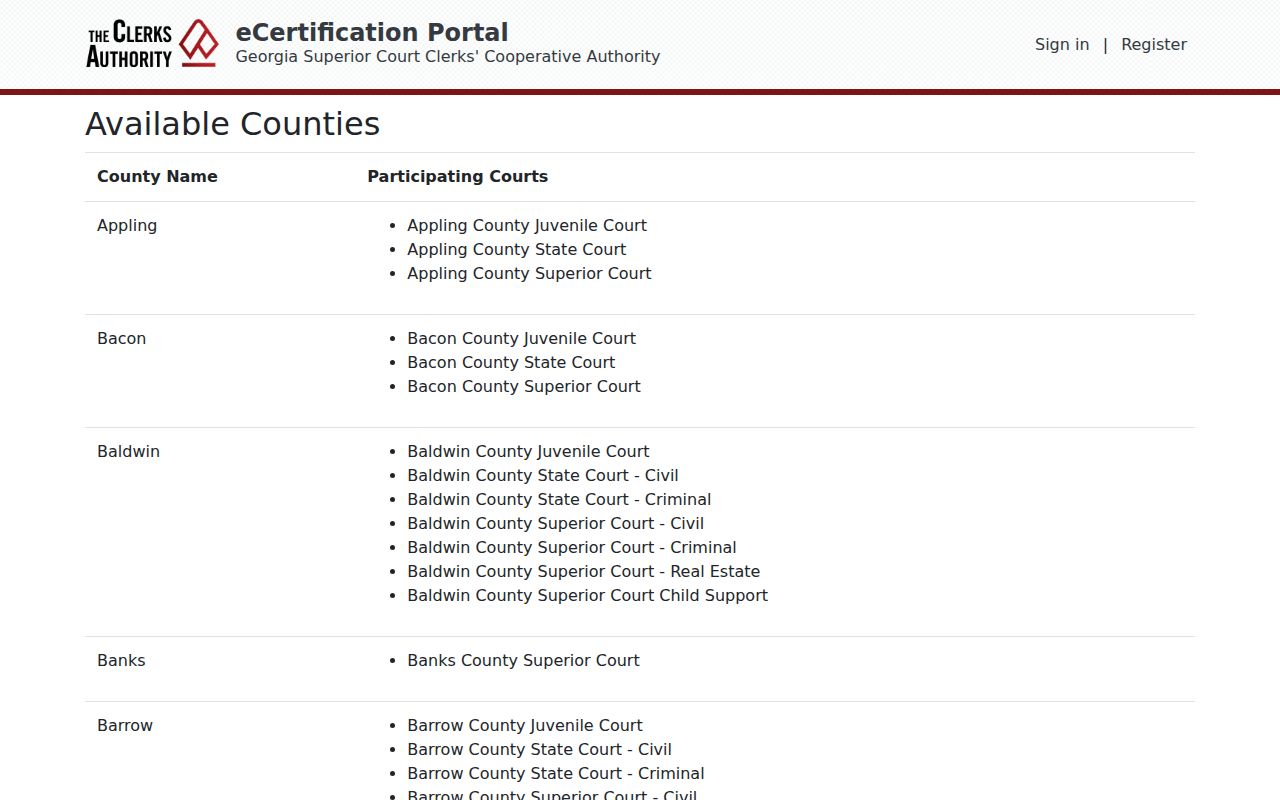
Participation does not mean every record is public or already digital. The clerk still reviews each request.
Court Records: What They Contain
What is inside depends on the court and case type. A public case file shows the basics. It may list the court, case number, filing date, judge, category, and caption. Party and attorney blocks carry roles like plaintiff, defendant, petitioner, respondent, prosecutor, and defense counsel. The chronological register tracks filing, service, answer, motion, order, hearing, and disposition. A settings block tracks appearances. It can list the date, time, judge, calendar type, courtroom, case number, category, and attorney data. Outcome material comes next. It might include a judgment, dismissal, plea, or disposition date.
| Header | Court, case number, filed date, judge, category, and caption. |
|---|---|
| Parties | Names and procedural roles, subject to redaction. |
| Register | Chronological filings, service, hearings, orders, and disposition. |
| Settings | Date, time, judge, calendar type, and courtroom if published. |
| Documents | Complaints, petitions, answers, motions, orders, and judgments. |
| Access | Public, redacted, restricted, sealed, or clerk-only treatment. |
A docket description never guarantees the image is downloadable. Run the McDuffie County docket search to find the case. Then request the actual paper when the text of a ruling or filing matters.
Copy Fees and Certification
Certification means the clerk vouches that a copy matches the original file. A plain copy skips that step and costs less. McDuffie County posts no separate copy or certification fee. Ask the clerk for the current charge before you order. Watch out for one trap: filing fees are not copy prices. A Superior civil filing runs $208 and a post-judgment civil filing $58. Neither buys you a page from a case file.
For statewide guidance, GSCCCA posts a reference schedule. An uncertified page is $0.50 without assistance. It is $1 with assistance. A page sent electronically is $2.50. Certification runs $2.50 for the first certified page, then $0.50 for each additional one. Treat those numbers as benchmarks rather than a promised McDuffie invoice. The clerk, or the eCertification checkout, sets the final total on your court docket copy order.
| Item | Published status | Action |
|---|---|---|
| McDuffie plain copy | Local price not separately listed | Ask the clerk |
| McDuffie certification | Local price not separately listed | Confirm before payment |
| GSCCCA uncertified reference | $0.50 or $1.00 per page | Do not assume local billing |
| GSCCCA certified reference | $2.50 first page, $0.50 additional | Verify in the order |
McDuffie Copy Fees Need Verification
The GSCCCA copy-fee information provides the general figures and related UCC context.
Only the McDuffie clerk can quote a specific court-record order. The published table is just a reference point. The office publishes no fixed turnaround, no identification rule, and no email address for court-copy requests. If a deadline matters, call first. For an older file, ask whether it sits on paper, sits archived, or can be viewed at the counter. Give the clerk enough detail. Then you do not pay for a broad search that misses the record you want.
McDuffie Administrative Record Boundary
Thomson and McDuffie County share one records form. It reaches administrative entities only, not the courts. It asks for a required first name and email, plus an optional last name. You also pick the entity, describe the request, and may request an emailed copy. County procedure promises notice within three business days when responsive records are located or subject to release. The first 15 minutes are free. Ordinary paper copies run $0.10 per page. Estimates over $500 may require prepayment.
None of that is a court-copy quote. Connect McDuffie expressly separates offices such as Superior/Juvenile, Magistrate, and Probate from the administrative Open Records Officer. Court case files belong to the clerk. Use the administrative form only for a record the selected county or city entity actually holds. The McDuffie open records request form shows each field it asks for.
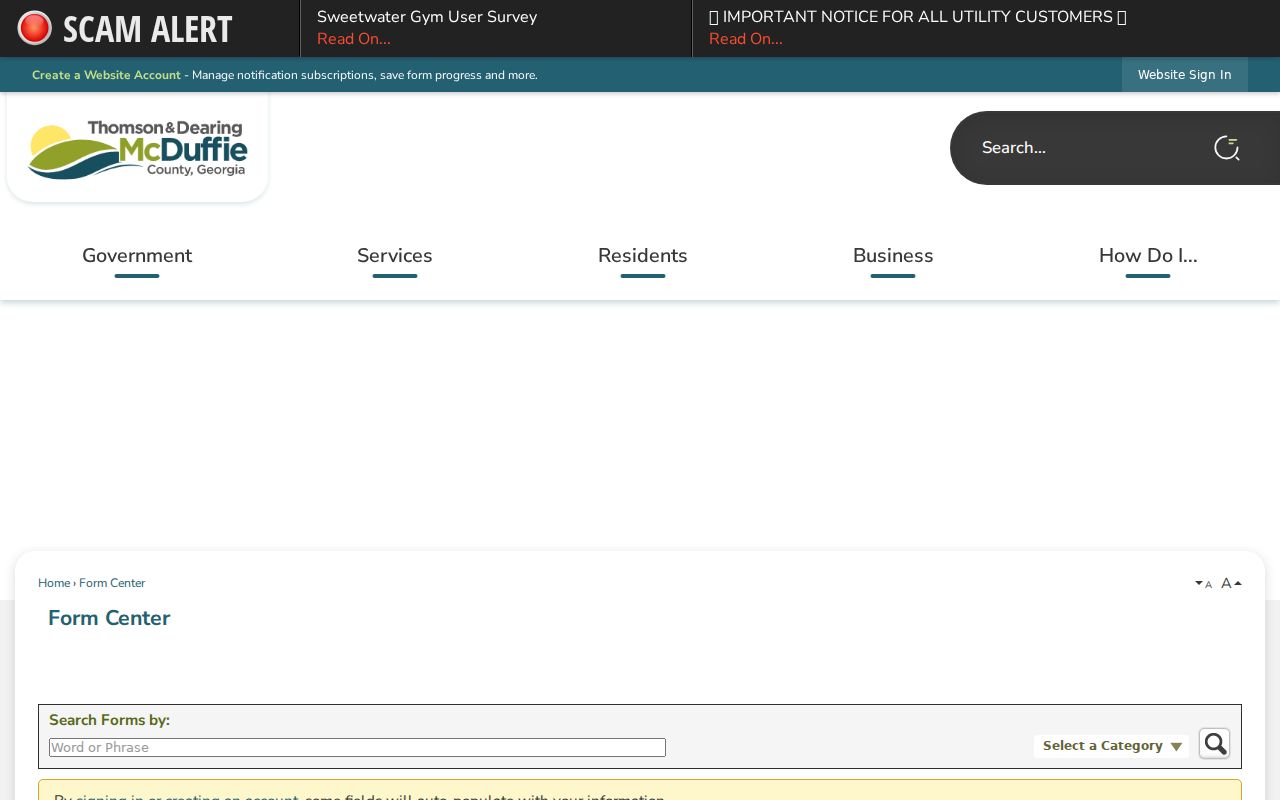
Entity choice helps route the mail. It does not override court custody, and the Connect McDuffie procedure explains where that jurisdiction line sits.
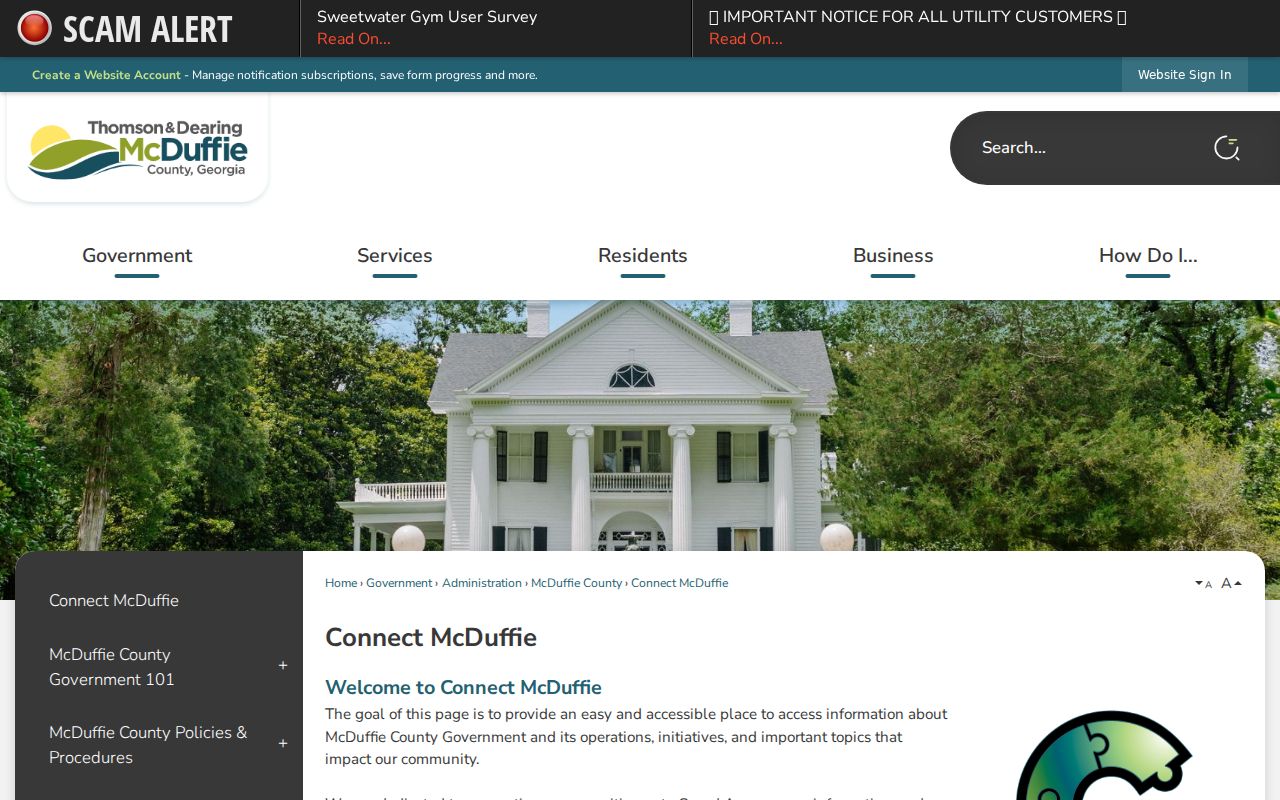
Its exclusions are the reason court-file requests should go directly to the relevant clerk.
Access Rules for Court Records
Uniform Superior Court Rule 21 sets the general public-access rule. It also sets a process for restrictions. Rule 21.6 covers protected identifiers and redaction. Any restriction order must state the material, its duration, and the reason, and the rule caps an ex parte temporary restriction at 30 days. The McDuffie clerk separately bars juvenile, adoption, and court-sealed records from broad inspection. Juvenile access follows O.C.G.A. sections 15-11-704 and 15-11-705.
The Georgia Open Records Act, O.C.G.A. sections 50-18-70 through 50-18-79, applies to covered agencies. Court records are different. The Attorney General explains that they follow court-specific access rather than the executive-agency process, and judicial-security restrictions can also limit specified personal information. That does not make every docket private.
Older McDuffie Paper File Fallback
McDuffie court records have no published digitization date and no guaranteed online image range. Some older dockets may exist only on paper. Help the clerk find the file. Give the court and the party names. Add a likely year, the case type, and any number on old correspondence. Ask about counter inspection. Ask about mailed copies.
A missing vendor row does not mean the file was destroyed or sealed. Age, indexing, transfer, or thin digital coverage could explain it. The responsible clerk can tell those apart and quote the current search or copy process.