
How the McDuffie County Court Calendar Works
No single calendar pulls every McDuffie County court together. Superior Court settings surface in PeachCourt. PDF calendars from the clerk also appear on its Calendar and General Information page. Thomson Municipal Court sets its own sessions and citation dates. Magistrate and Probate run through their own channels, since neither posts a public calendar.
Treat the official Superior calendar as a settings list. It is not a full docket. Rows group by calendar type, date, time, and judge. Each row carries just enough to identify the case and why it is set. Filing history, documents, money, and final results live elsewhere. For the chronological court record, use PeachCourt or the clerk.
McDuffie Civil Non-Jury Calendar
The local example is a ten-page McDuffie County Superior Civil Non-Jury Calendar for October 5, 2026 at 9:30 a.m. before Judge Thomas B. Hammond. Each row is numbered and carries a civil case number, caption, short status code, category, filed date, cause, party roles, service and answer dates, and attorney fields. Page metadata closes it out. The official page publishes the current calendar PDF.
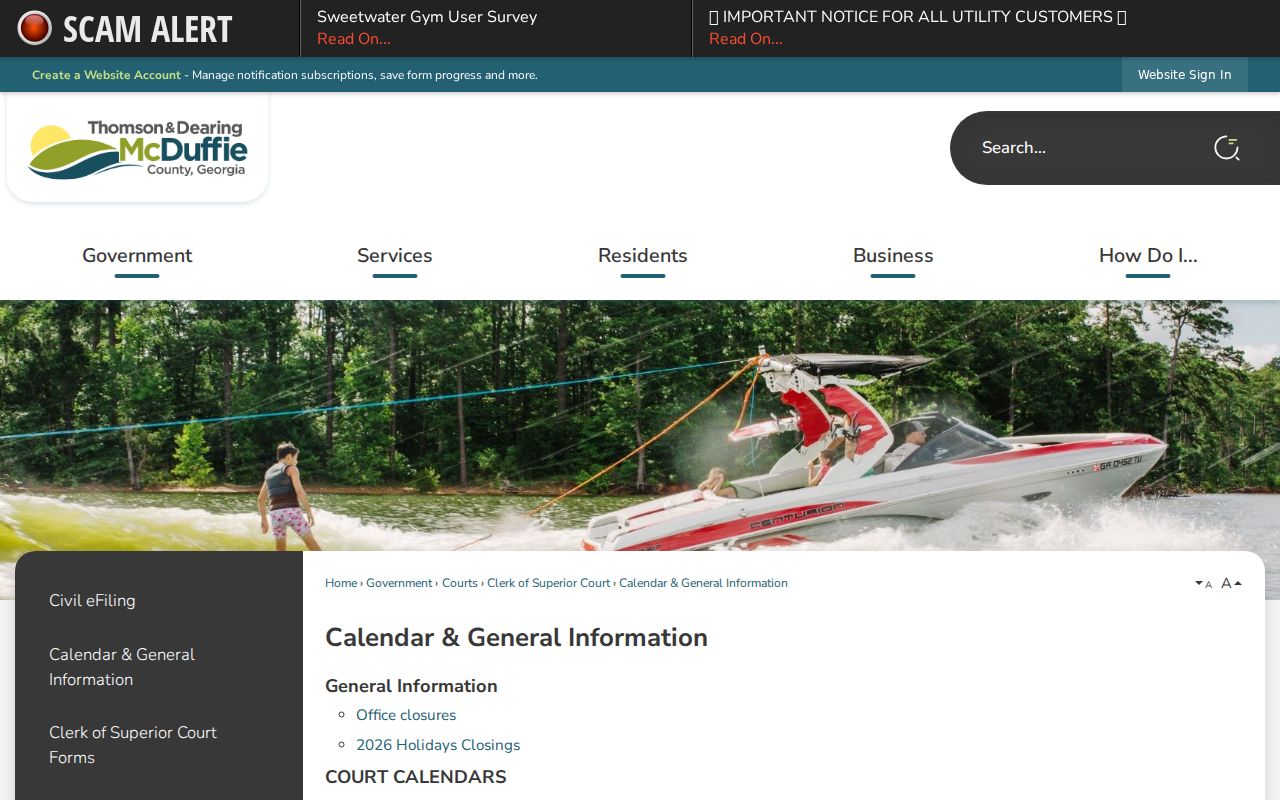
That page is the official calendar channel. Open the current PDF yourself and check that it matches the right court and date.
McDuffie County Court Date Lookups
Go back to the source of the case. A Thomson traffic matter? Read the date printed above the signature on the citation's face. For Superior civil or criminal cases, sign into PeachCourt through the Georgia E-Access route, pick McDuffie Superior, and search by case number or party name. Then open View Case Docket and read the calendar events and docket proceedings.
- Identify the court from the citation or filing type.
- Read the date on a citation or latest notice.
- Search PeachCourt for a Superior setting.
- Compare the setting with the current posted calendar.
- Call the responsible clerk before travel when anything conflicts.
Phone numbers work when screens fail. The Superior Clerk answers at 706-595-2134, civil deputy at 706-595-2139, and criminal deputy at 706-595-2138. Magistrate sits at 706-597-2618, Probate at 706-595-2114, and Thomson Municipal at 706-597-7385. Your attorney may hold the newest notice of all. The county offers no separate public court-coordinator line.
McDuffie Calendar Search Fields
This calendar is a static PDF, not a search form. You read or search the heading and rows inside the document itself. The county page offers no date-picker, no category dropdown, and no complete archive. A local case number like 23CV0193 follows the local civil pattern. That pattern is two-digit year, CV, then four digits.
| Field | Where it appears | Use |
|---|---|---|
| Calendar type | Heading | Identifies Civil Non-Jury or another list |
| Date and time | Heading | Applies to that publication |
| Judge | Heading | Presiding judge for the list |
| Case number | Row | Matches the docket |
| Status / category | Row | Short case context |
| Cause | Row | Reason or filing description |
Search the PDF by case number whenever you can. Names trip people up, and a status code with no legend should never be guessed at.
Court Settings: What Each Field Means
Read a setting line as one unit. The date and time mark the calendar call. They are not always a private appointment for your case alone. Court names the tribunal, and judge names the presiding officer listed. The case number ties the row to the docket. Meanwhile, the setting type describes the group of matters being heard.
| Date | The scheduled day shown in the current notice or calendar. |
|---|---|
| Time | The listed calendar time, which may begin a docket call. |
| Courtroom | The location from the notice or clerk; the PDF may not state a room. |
| Judge | The judge named on the calendar heading. |
| Setting type | Non-jury, modification, contempt, appeal, or another category. |
The calendar PDF is not a judgment. It also omits events. When a filed order or later notice contradicts an older row, ask the clerk which setting controls.
McDuffie Setting Codes and Terms
The sample calendar uses CL, OP, and JR with no public legend. Copy the code down and ask the clerk what it means here. Pro Se File and Diligent Search markers also appear. Pro se simply flags a self-represented party; it says nothing about outcome. Diligent Search depends on its local filing context. The underlying document is needed before anyone explains it.
- Civil non-jury
- Matters listed before a judge without a jury setting on that calendar.
- Modification
- A request to change an existing order.
- Contempt
- A proceeding tied to alleged failure to follow an order.
- Mandatory appearance
- A traffic charge for which local rules require court attendance or clerk confirmation.
- Continuance
- A request to move a setting; it is not granted until confirmed.
Category does not tell the result. Read the docket and controlling order.
When a Court Date Moves
A reset, continuance, or cancellation can turn an old notice stale. PeachCourt may list a later calendar event. A new order may set a different date entirely. The county page posts no real-time refresh schedule and no reset-code key. So confirm a changed setting with the clerk instead of reading a missing PDF row as a cancellation.
Thomson Municipal Court handles continuances its own way. Its FAQ requires documentation, for limited reasons only. It must reach the court no later than 48 hours before court. Asking is not the same as approval. The clerk or court must confirm the new date. Waiting for the payment portal to change is no substitute.
Note: Keep the latest notice. Jot down the clerk contact, and record how and when you confirmed anything directly.
McDuffie Second-Tuesday Sessions
Thomson Municipal Court usually convenes on the second Tuesday of each month at 1:00 p.m., inside the Administrative Building at 210 Railroad Street. The city calls that schedule rarely changed, but confirm your actual date with the municipal clerk at 706-597-7385. The clerk's office sits at 309 Main Street. The city's official FAQ pairs these recurring sessions with its continuance and missed-date procedures.
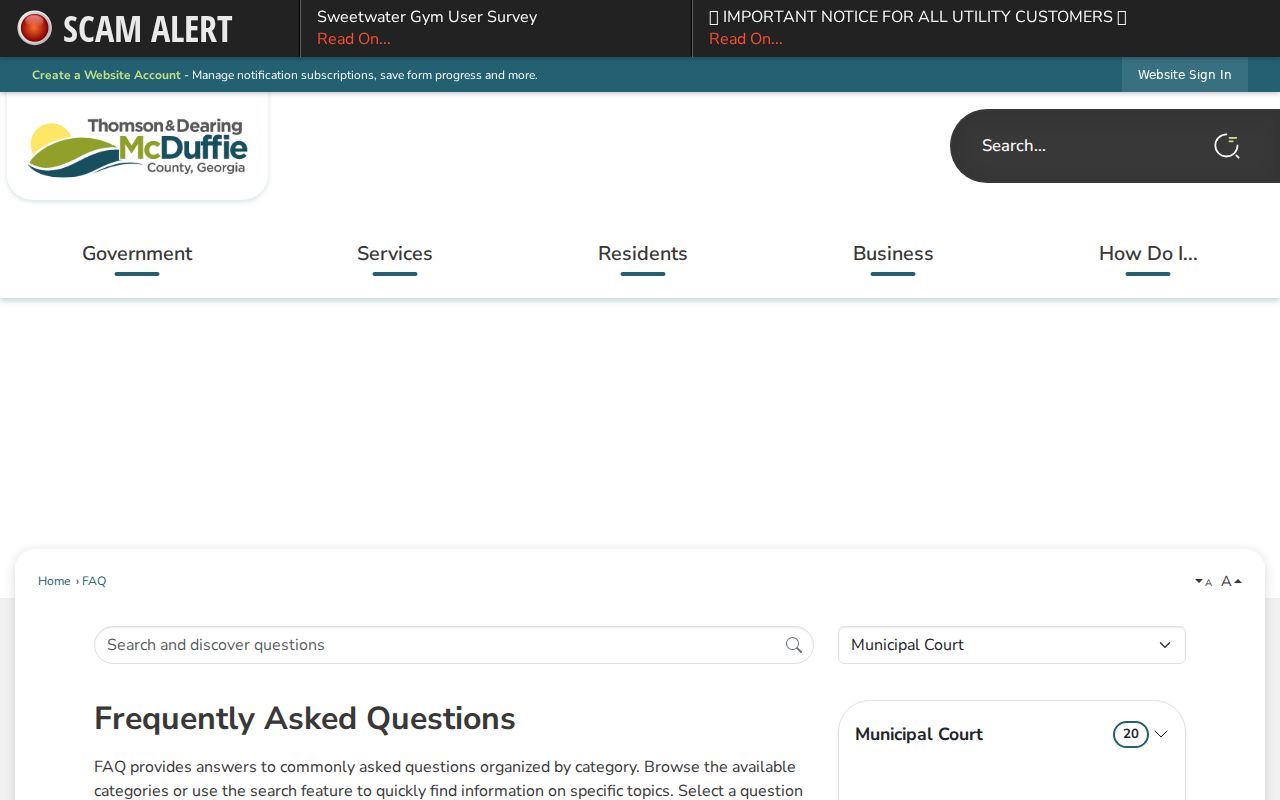
That FAQ is a municipal source. It is not the Superior civil calendar.
McDuffie Weather Closure Example
Weather can close a courthouse with no notice. A January 2026 emergency order from the Toombs Judicial Circuit did exactly that. It shut the circuit courts and clerk offices for a stated day. The order tolled deadlines and laid out reopening terms. No posted calendar can promise a hearing will go forward after that kind of order. So check official court and county notices when a closure hits. Then call the clerk. A missed hearing does not mean dismissal. A closure can move a date or toll a deadline while the case stays active. File the emergency order with your notices until the new schedule is clear.
Missed Settings and What Comes Next
Call the court or your attorney right away. Ask what the docket shows now: a warrant, bond action, default, dismissal, or a new date. It depends on the court and case type. Thomson’s local FAQ gives one concrete example. There, a traffic failure to appear after a cash bond can bring bond forfeiture and a guilty resolution by forfeiture. But that rule covers traffic only, and it should not be stretched to every criminal or civil setting.
Do not wait for the portal. A missed McDuffie County setting may have immediate case consequences. Call the clerk, state the case or citation number, and ask what the docket now shows.
Superior Court takes calls at 706-595-2134, Thomson Municipal at 706-597-7385, Magistrate at 706-597-2618, and Probate at 706-595-2114. A clerk explains procedure, not legal advice.
McDuffie Schedule Confirmation
A solid date check compares the newest sources. Read the citation or notice first. Then inspect the current docket, compare any official calendar, and call the clerk when a field conflicts. The case number is the more exact tool. Confirm the date, time, court, location, judge or calendar type, and whether attendance is required.
Online ticket data can lag. Thomson guidance says allow at least ten processing days. Georgia’s statewide ticket guide puts online availability at 7 to 21 business days. A new citation’s absence does not cancel the printed date; for county-wide name or number lookups use the McDuffie docket search, and the responsible court remains authoritative on a date.