
McDuffie County Civil Docket Searches
Superior civil matters run through the Georgia Courts E-Access directory. It routes McDuffie Superior Court to PeachCourt. You will need a free account. Select McDuffie County and McDuffie Superior, then search by exact case number or party name. Open the matching record and read through its docket events. Common surnames deserve extra care. Compare names, court, category, judge, and filed date before you trust a result.
The clerk remains the fallback and the place for filed copies. Call 706-595-2134. The civil deputy can be reached at 706-595-2139. Visit Room 1401 at 210 Railroad Street. You can also write P.O. Box 158, Thomson, GA 30824. The fax line is 706-595-9150. Ask whether the file is digital or paper. Ask, too, whether you need a plain or certified copy.
- Identify Superior, Magistrate, or Probate jurisdiction.
- Search PeachCourt for a Superior case.
- Check the case number and category.
- Read filings and settings in date order.
- Request the controlling paper from the clerk.
McDuffie Civil E-Filing Since 2019
Since January 1, 2019, all McDuffie Superior civil actions must be e-filed through PeachCourt. The county's civil e-filing notice names PeachCourt and its support route. Keep one limit in mind. Filing and public access are separate systems. A docket row can appear. The filed PDF may still not be free or publicly downloadable. The county's official notice spells out the local filing rule.
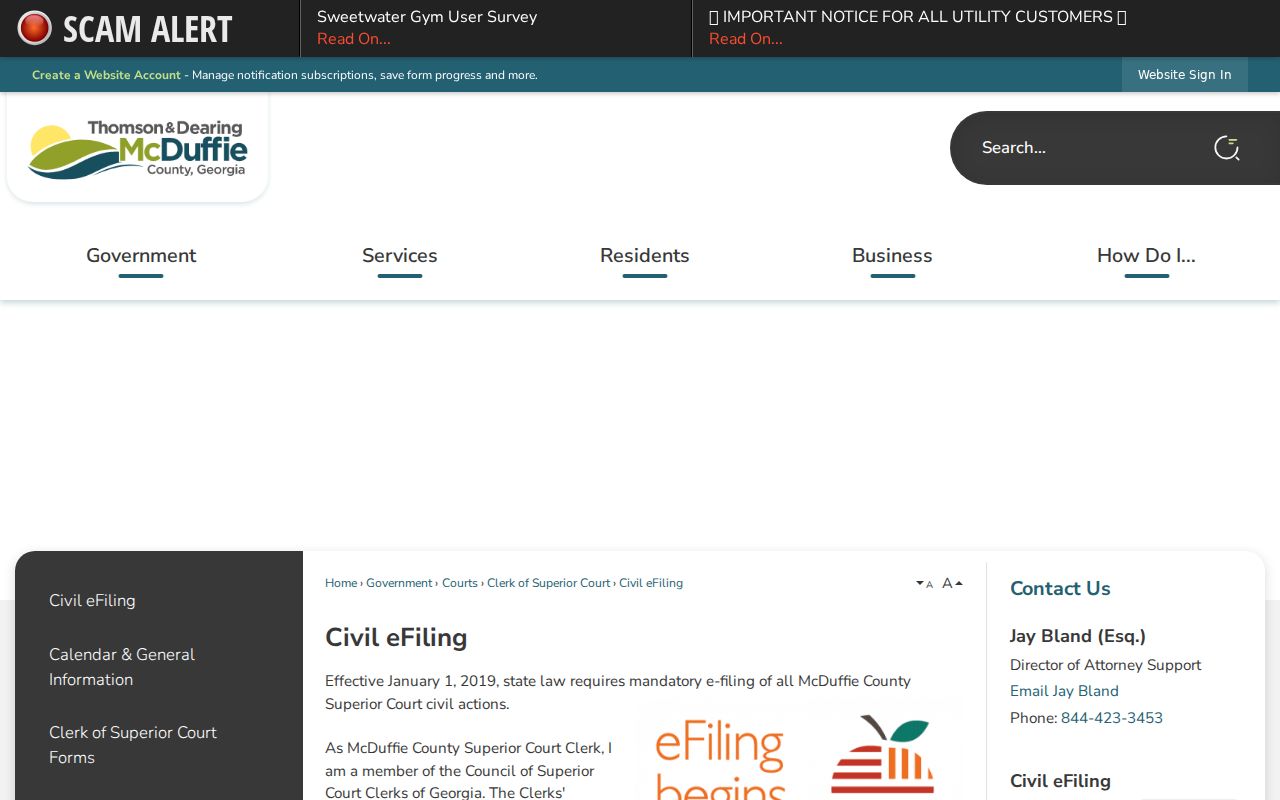
That notice governs how filings reach the court. It does not open the filing system into an unrestricted civil record search.
Civil Dockets: What They Show
Think of a McDuffie County civil docket as a chronological register. Depending on what fields the court supplies, it can show the court, case number, caption, category, judge, filed date, parties, attorneys, service, answers, motions, notices, hearings, orders, and final disposition. A calendar entry is thinner. It carries fewer fields and no full event history.
| Case number | Local Superior civil examples use a pattern such as 23CV0193. |
|---|---|
| Caption | The party style used to distinguish the action. |
| Category | Contract, tort, real property, domestic, appeal, or other civil type. |
| Filed date | When the initiating matter entered the clerk record. |
| Service and answer | Dates shown when applicable. |
| Events | Motions, notices, hearings, and orders in sequence. |
| Disposition | The recorded closure or result, read with the order. |
A calendar row is not the case file. When the exact relief matters, pull the judgment or order itself from the clerk, because that document controls.
McDuffie Civil Calendar Fields
The official October 5, 2026 Superior Civil Non-Jury Calendar gives a real model of local fields. Its heading names the court and the calendar type. It also lists the date, the time, and Judge Thomas B. Hammond. Each row then packs in detail. You get item number, case number, caption, status, and category. The same row adds filed date, cause, party roles, service and answer dates, attorney fields, and local markers.
| Calendar field | Meaning |
|---|---|
| CL, OP, JR | Observed status codes; no public legend was included. |
| Pro Se File | Self-represented filing marker, not an outcome. |
| Diligent Search | Local marker whose full meaning requires the file or clerk. |
| Cause | Short description such as complaint or petition. |
| Service / Answer | Process dates when applicable. |
The PDF stops short of a full picture, with no chronology, fee balance, document list, judgment balance, or final disposition. For those items, search the docket or request the file.
What Cases Fill the Civil Docket
McDuffie Superior calendars sort cases into families. The list runs: general civil, modification, real property, contract, divorce or separate maintenance or alimony, civil appeal, contempt, general tort, Support IV-D, and paternity or legitimation. These labels name the type of proceeding, not the outcome. A contempt category tells you what is set for hearing. It says nothing about whether contempt was found.
Magistrate Court separately hears civil claims up to $15,000 without a jury. It also takes dispossessories, garnishments, and personal-property foreclosure matters. Probate Court holds wills, estates, and guardianship records. An estate dispute can still spawn a Superior or Magistrate case of its own. The subject alone never identifies the right clerk.
McDuffie Superior Versus Magistrate
One courthouse does not mean one docket. The Superior Clerk maintains broad Superior civil cases along with certain local clerk functions. Magistrate matters run through a separate case channel. The McDuffie Magistrate Court page lays out its claim, dispossessory, garnishment, and related jurisdiction. nCourt lets a user start a claim there. Treat nCourt as a filing system, though, not a general public docket search.
| Feature | Superior civil | Magistrate civil |
|---|---|---|
| Typical matters | Broad civil and domestic jurisdiction | Claims to $15,000 and listed summary matters |
| Online route | PeachCourt search and e-filing | nCourt filing, not a confirmed docket search |
| Phone | 706-595-2139 | 706-597-2618 |
| Record request | Superior clerk channel | Magistrate clerk channel |
Choosing the wrong court is a common reason for an empty search.
Hearings on the Civil Docket
A civil setting ties a case to a date, time, judge, and calendar type. The posted McDuffie calendar is only a snapshot of settings. PeachCourt may show calendar events inside the fuller chronology. Neither replaces the latest order or direct clerk confirmation when a date might have shifted.
Read the calendar heading first, then the case row. Match the case number and category. Note the cause, status code, and any service or answer fields. A non-juary calendar means those matters go before a judge without a jury that day. Modification, contempt, and civil appeal are categories only. They are never a promise of what the judge will decide.
McDuffie Civil Status Terms
Short status labels can mislead readers. Active or pending means no final closure is shown. Judgment entered tells you an order exists. But the order must still be read for the exact relief. A default judgment is a specific court result. You cannot infer it just because no public answer date appears. Dismissed or nonsuit closes a matter within the scope of that entry.
- Pro se
- A party acts without an attorney; it is not a case result.
- Modification
- A request to change an existing order.
- Contempt
- A proceeding based on alleged failure to follow an order.
- Civil appeal
- A review matter that may also have another docket.
McDuffie's CL, OP, and JR codes carry no published legend. Keep the code as written and ask the clerk instead of guessing at an expansion.
Who Can See Civil Dockets
McDuffie County civil dockets are open for anyone to inspect and copy. A few exceptions apply. Juvenile, adoption, and court-sealed matters stay closed. Uniform Superior Court Rule 21 sets the rules for public access, restriction, and redaction. It lets the clerk mask protected identifiers while the public index stays visible. So don't read too much into a redacted field or a missing image. That filing may well exist even if you can't see every part of it.
Use the court clerk. Georgia court records are not governed by the Open Records Act in the same manner as executive-agency records. The county administrative form cannot bypass a court restriction.
There is no published online year cutoff for the older paper files in McDuffie County. Ask the clerk whether inspection is required, and if a case turns out to be restricted, ask which authorization or court process applies to that file.
McDuffie Certified Civil Papers
A certified judgment, order, or filed civil paper comes from the clerk itself. It never comes from a calendar PDF. Through the GSCCCA eCertification workflow, you select McDuffie. Pick the court and document type, and fill in the identifying fields. After you submit, the clerk processes the request. You then authorize payment and use an emailed authentication link to retrieve the secured PDF. The Superior Clerk forms index shows the local forms and procedures the office uses.
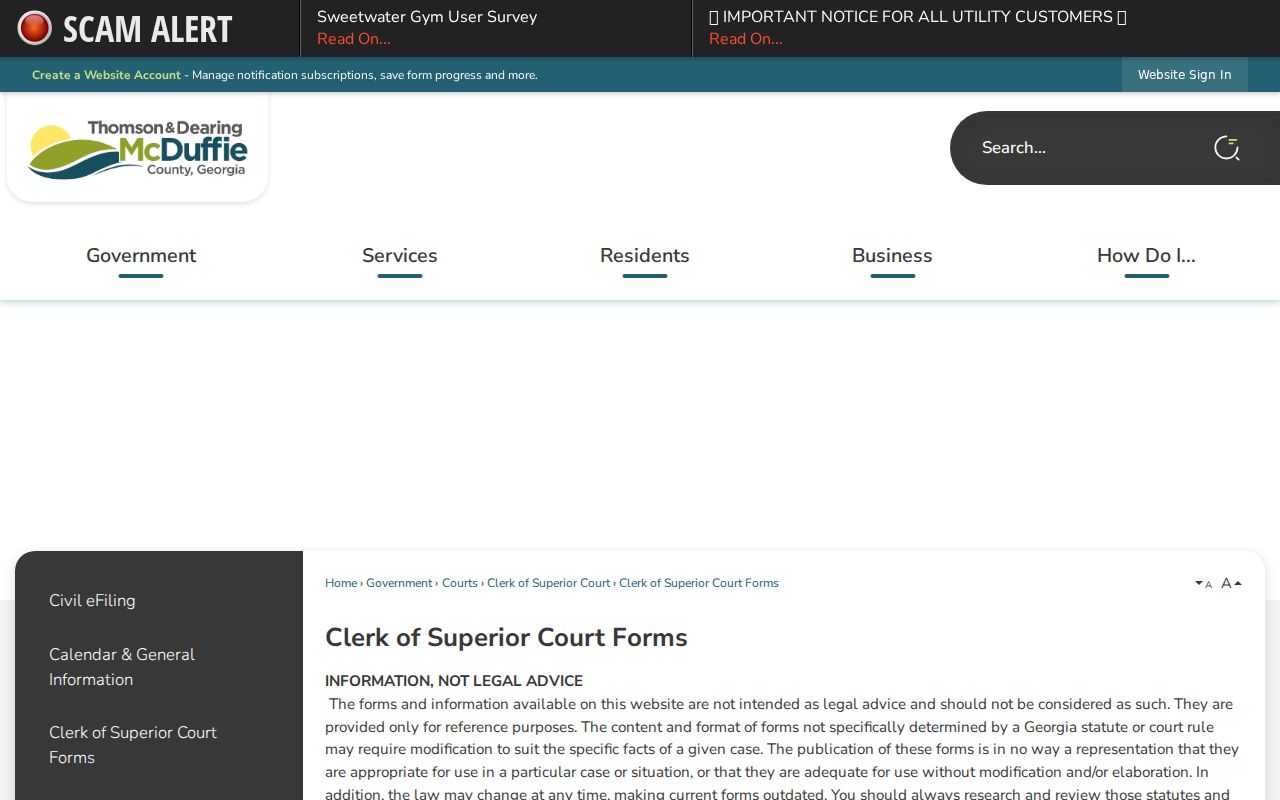
That index points you toward official clerk materials, but it doesn't set a copy price for every civil record. The local Superior fee PDF lists filing charges, though it shows no separate copy table. Call the clerk before sending any payment.
McDuffie Civil Access Channels
Use every route that fits your situation. Online, a PeachCourt account, the posted civil calendar, and eCertification for certified items cover most needs. In person, the Superior Clerk sits in Room 1401. Phone access runs through 706-595-2134 or 706-595-2139. Mail goes to P.O. Box 158, and fax is 706-595-9150 once you confirm instructions. For Magistrate matters, call 706-597-2618; Probate uses 706-595-2114.
The county Open Records form covers county or city administrative records, not court files. If a McDuffie County civil record is absent online, name the court, give the case details you know, and ask whether the file is paper, restricted, or held by another clerk. The broader McDuffie docket search can sharpen your name and number strategy.