
McDuffie County Criminal Docket Searches
For Superior criminal cases, open the Georgia Courts E-Access directory and take the court-specific path. Choose McDuffie Superior Court, which leads to PeachCourt. Register the free account the system requires, then open Case Search. A case number works best. Without one, try the party name. Pick the matching result and choose View Case Docket. Georgia has no single public search box for every trial court, so the county and court must be right before you expect results.
A blank result does not end the search. Call the clerk instead. The criminal deputy takes Superior criminal record requests at 706-595-2138, and the general clerk line is 706-595-2134. You can ask about inspection or copies at Room 1401, 210 Railroad Street, Thomson, or write to P.O. Box 158. The fax number is 706-595-9150. Ask the copy charge before you send anything.
- Select McDuffie County and McDuffie Superior Court.
- Search by case number or party name.
- Match the court, number, and party roles.
- Open View Case Docket and read events by date.
- Ask the clerk for an image, older paper, or certified copy.
McDuffie PeachCourt Criminal Access
PeachCourt public access is the nearest thing to online McDuffie County Superior criminal docket viewing. Registration is free. Yet that does not make every document free to download. Think of the case view as an index with a chronological docket layer on top. An entry can name a document. The image stays behind an account, a court rule, or a fee. The "File into this case" button is for e-filing, not searching. The official public entry screen appears below.

It supports McDuffie Superior access. Magistrate and municipal cases still require their own channels.
Criminal Dockets: What They Show
A McDuffie County criminal docket can carry a lot of detail: the judge, case status, co-defendants, prosecutor, defense attorney, charges, disposition and its date, calendar events, proceedings, and any documents tied to the case. What actually appears varies from case to case. Bond details, financial entries, and cross-references may or may not show, so treat their absence as a gap in the listing rather than a fact about the case itself.
| Case identity | Court, number, judge, and status. |
|---|---|
| Charges | Filed allegations; detail varies. |
| Roles | Prosecution, defense, and co-defendants. |
| Calendar events | Past or future case settings. |
| Proceedings | Dated filings and court actions. |
| Disposition | Recorded result and date. |
| Documents | Filings whose images may be limited. |
Always read a status line beside the dated order that set it. A charge is not a conviction. "Disposed" tells you the system shows closure, but it does not spell out the result or open every later filing to public view.
McDuffie Criminal Search Fields
PeachCourt registration creates the account you need before any McDuffie County criminal docket search. The public help pages confirm searches by county, court, case number, and party name. Wildcard rules, date filters, the full status list, and result limits are not published for viewing before login.
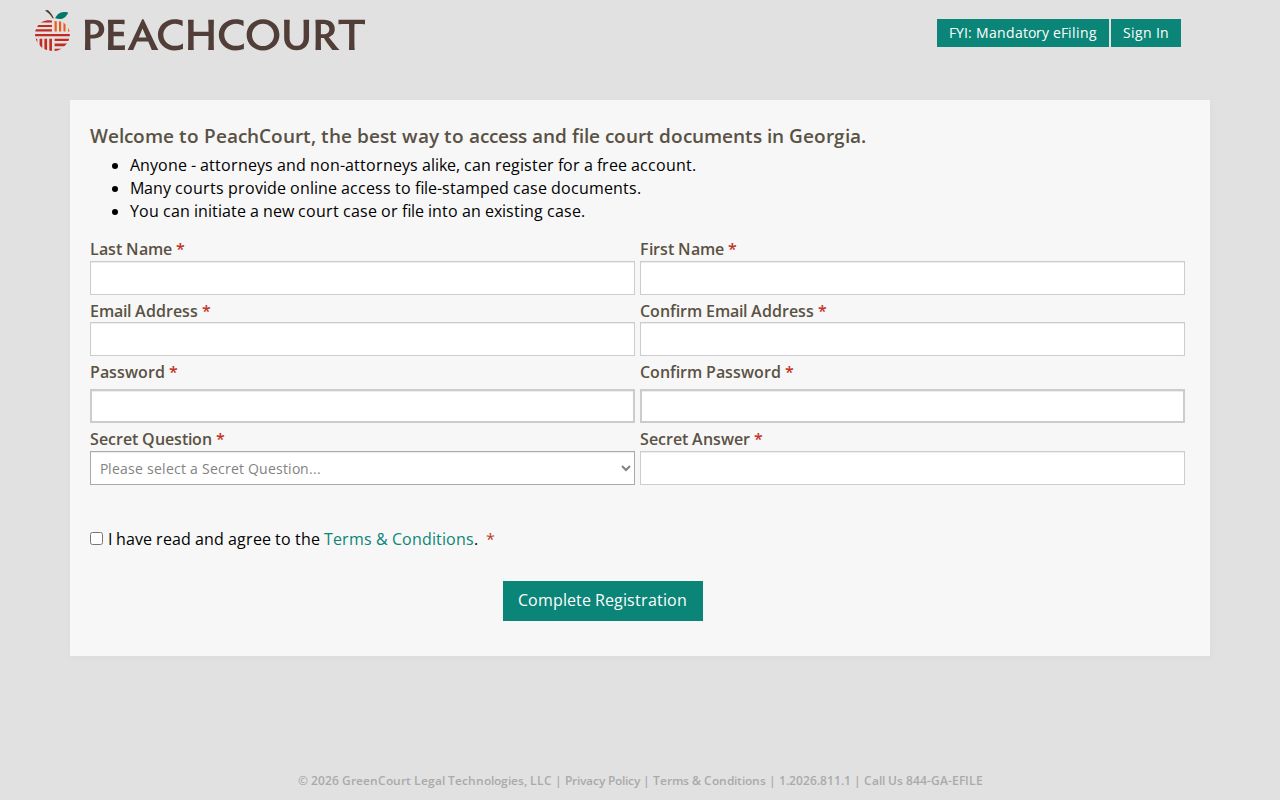
Filling out the account form is just the doorway. Confirm each hit against McDuffie Superior Court and its case number.
| Field | Use | Note |
|---|---|---|
| County | McDuffie County | Required |
| Court | McDuffie Superior | Required |
| Case Number | Exact lookup | Format not public before login |
| Party Name | Name lookup | Wildcard rule not published |
| View Case Docket | Open events | Images vary |
Criminal Case Stages on the Docket
Exact order varies with the court and the charge. Still, a Superior criminal docket follows a recognizable arc. Filing comes first. Then arraignment, pretrial work, a plea or trial, disposition, and sentencing fill the timeline. Motions, notices, and settings land between those markers. Remember that a Magistrate warrant or first appearance can happen before the Superior record opens, so the first Superior entry is not always the first event in the whole matter.
Process: Filing → Arraignment → Pretrial → Plea or Trial → Disposition → Sentencing.
Event dates and filed dates can differ. A calendar entry may sit in the future. A proceeding entry can show when an earlier document reached the clerk. An appeal opens a separate appellate matter while the trial docket keeps only its notice and transmission entries.
McDuffie Charges and Dispositions
The biggest reading mistake is treating the charge list as the outcome. Charges only say what was filed. Disposition is what the court recorded as the result. "Pending" or "active" means no final result appears. "Dismissed" signals closure under that entry. A "guilty" or conviction label must trace back to the court or plea result that produced it. "Sentenced" marks an event, not the end of possible changes.
- Nolle prosequi
- A prosecution entry that should be checked against the local order.
- Bond forfeiture
- A local traffic result tied to failure to appear after cash bond.
- Deferred
- A short label whose effect cannot be inferred without the order.
- Appealed
- The trial docket may continue while an appellate docket exists.
When a label leaves you guessing, request the judgment or order itself. No short vendor term can stand in for the filed paper.
McDuffie County Criminal Docket Courts
Criminal dockets in McDuffie County split across several courts, each with its own jurisdiction. Felonies and general criminal proceedings belong to Superior Court. Magistrate Court takes warrant applications, first appearances, and certain county hearings, while Thomson Municipal Court hears misdemeanor traffic, ordinance, and specified state-misdemeanor matters that arise in Thomson. Juvenile Court runs on a separate, restricted channel.
| Court | Matter | Contact |
|---|---|---|
| Superior | Felony and Superior proceedings | 706-595-2138 |
| Magistrate | Warrants and first appearances | 706-597-2618 |
| Thomson Municipal | City traffic and ordinances | 706-597-7385 |
| Juvenile | Restricted youth matters | 706-595-2137 |
Not every traffic ticket becomes a Superior case. Begin with the court that issued it. nCourt serves as a Magistrate filing route, and ThomsonPay handles citation payments. Neither one is a unified criminal docket.
McDuffie Clerk Counter Fallback
A blank screen does not mean no McDuffie County criminal docket exists. Double-check the court and county. Then swap between case number and name. Brand-new items may not have posted yet. Older files may still live on paper. Sealed, juvenile, adoption-related, or image-gated items may call for the clerk's own procedure.
Superior Court Clerk
210 Railroad Street, Room 1401
Thomson, GA 30824
Criminal deputy: 706-595-2138
General clerk: 706-595-2134
Fax: 706-595-9150
Mail: P.O. Box 158, Thomson, GA 30824
At the counter, give the clerk the court, the number if known, the party name, the document title, and a date range. Ask whether inspection, a plain copy, or a certified copy suits your need. Settle payment and processing questions before any funds go in the mail.
Access Rules for Criminal Dockets
The Superior Clerk keeps records open for inspection and copying, with juvenile, adoption, and sealed records as the exceptions. Georgia court records answer to court rules rather than the Open Records Act that covers executive agencies. The Georgia court rules index takes you to Uniform Superior Court Rule 21, which governs access, restriction, and redaction.
Restricted does not mean missing. A public docket may omit a protected paper, mask an identifier, or show a generic line. Ask the responsible clerk which process applies.
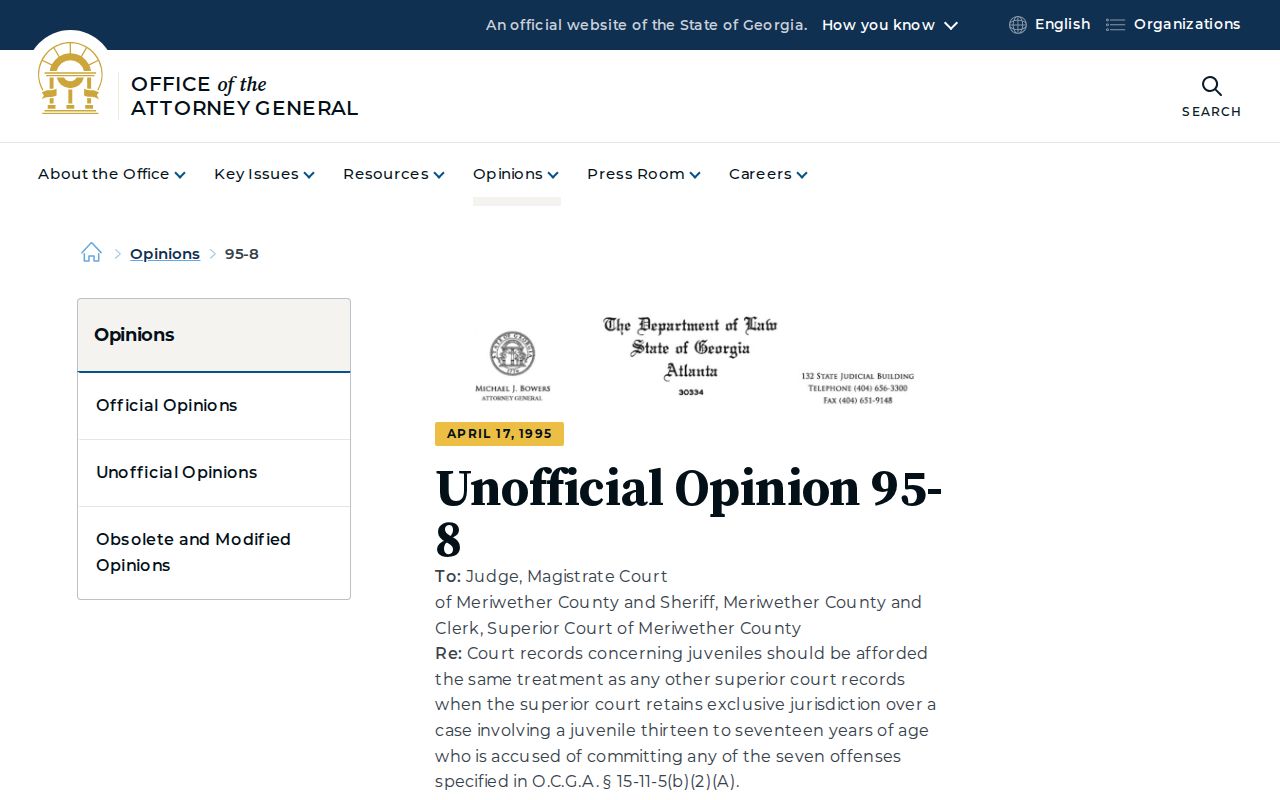
Juvenile records demand extra care. The Georgia Attorney General juvenile-record opinion explains why assumptions about adult access do not carry over to youth records.
Use the juvenile deputy's channel; an administrative request cannot be used to bypass a restriction.
McDuffie Criminal Copies
A docket entry and the filed image behind it are two different things. PeachCourt may list an event on the McDuffie County criminal docket. But it can still gate the image. The clerk of Superior Court can let you inspect or copy the record itself. Need a certified order instead? Ask about GSCCCA eCertification. Pick the county and court, choose the document type, and fill in identifying fields. Then wait for clerk processing, authorize payment, and receive the certified PDF through a secure authentication link.
McDuffie posts no criminal copy price list and no online image fee. A filing fee is not a copy price. Call ahead. Say whether you want a plain or certified copy. Name the exact judgment, order, or filing.
Note: A free account can show docket facts. But that does not make every image free, public, or an official certified record.
McDuffie Criminal Search Limits
Know the search limits. Before login, PeachCourt shows no wildcard logic, no full status codes, and no date range. It also posts no page cap, no refresh schedule, and no digitization cutoff. Guessing at any of those invites error. A blank result can mean a wrong court, an account gate, or a paper file. It can also mean a restriction or simple delay.
Tracking your own McDuffie County case? Match the court and case number. Read the newest dated docket entry, and confirm the next hearing setting. Request the controlling order when the outcome matters. The McDuffie County docket search walks through the wider name-and-number workflow. Even so, the criminal clerk remains the final source for the Superior file.